Back to top

Articles

Definition list laid out in a grid/table

Modern web design often features “vanity metrics”; KPIs indicating company's successes or listing distinguishable features. The most appropriate HTML element to mark up such content is the definition list <dl>.

Designs often call for a grid-like layout for such content. This article shows how to build the CSS for the scalable vertical grid-like definition list layout using Flexbox CSS.

Published in CSS on .

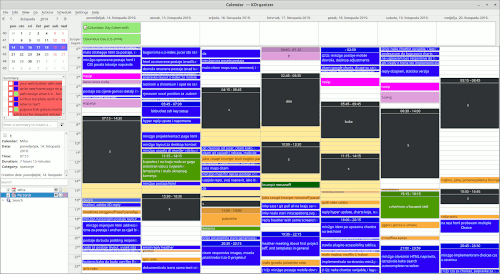
KOrganizer Calendar app from KDE Agenda View

Setting up KOrganizer in the latest Ubuntu versions isn't easy because of various significant changes in its dependencies and I'm guessing lack of funding. I couldn't make it work with MySQL, but I finally made it work with Postgres.

This article documents what configuration worked for me to start Akonadi with Postgres database so I can use KOrganizer.

Published in Linux on .

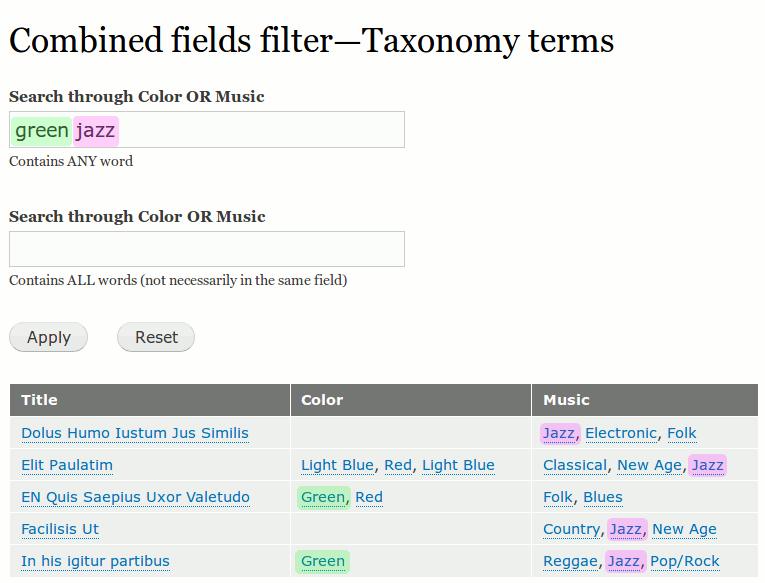
Combined fields filter in Drupal 8 Views

The easiest way to create a search in Drupal that would automatically search more than one field is through the Combine fields filter in Views. More complex solutions include the Search API module, or Solr framework.

It's not possible to combine just any field with the Combine fields filter, but most of the fields that store content you want searched can. That includes Taxonomy Terms; they can be included in the combined search with the help of Relationships.

Published in Drupal on .

Drupal 8 Layout Builder Add Section Four columns

Layout Builder is the new module in Drupal core since the version 8.7. It brings a powerful and easy way for site builders to control the layout of the main content area of a Drupal page.

It is a huge step up for Drupal when competing with website builders for winning Site Editor's favor in taming the confusing coupling of content and its design. Many other features can be built on top of it to create a truly remarkable editors’ and content creators’ experiences.

This article shows what Layout Builder provides out of the box for changing the layout of your page content area.

Published in Drupal on .

Drupal usually has two active themes

Besides the usual advice to keep the templates in a special templates folder in your (sub)theme it is necessary to know which theme the template should be added to in the first place.

The notion that there are usually two themes active on a Drupal site is often overlooked. This article clarifies which themes are used on which parts of the site.

Published in Drupal on .

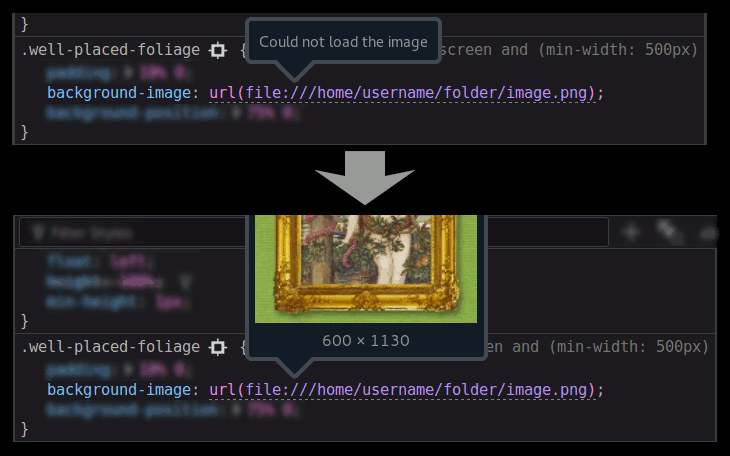
Firefox Development tools Local links on remote URL

Working on a web development project can sometimes require for you to apply a local file from your own computer to a remotely hosted website.

This is disabled for security reasons. It can be enabled for particular locations using Firefox Preferences and this article will show you how.

Published in CSS on .

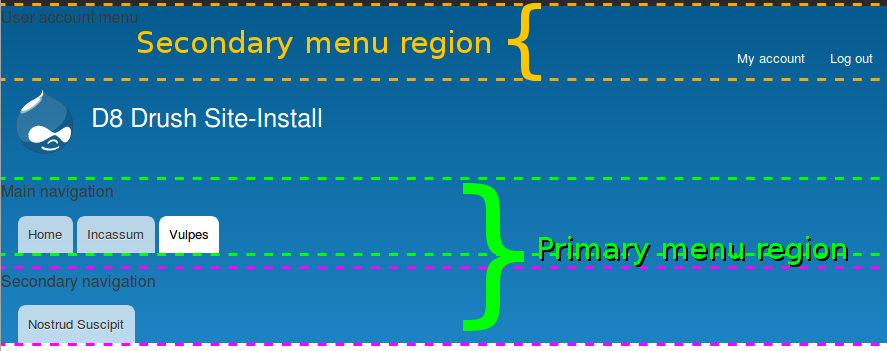
Bartik Primary and Secondary menu regions

Multi-level main navigation is usually implemented with drop-down menus. But if the secondary level needs to always be visible when the parent item is active we can create a Menu Block that shows the second level items when the parent and sibling items are active.

Published in Drupal on .

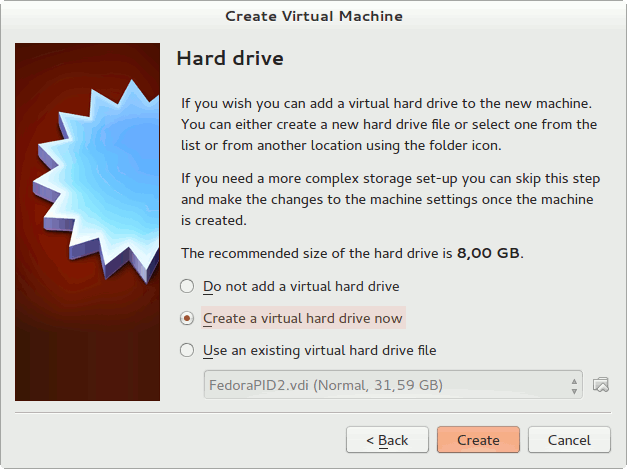
VirtualBox Hard drive option

There are some useful tricks and details you need to know if you want to install a virtual machine through VirtualBox without too much hassle. This article illustrates the procedure with screenshots so you can easily follow this guide and get it working on the first try.

Published in Linux on .

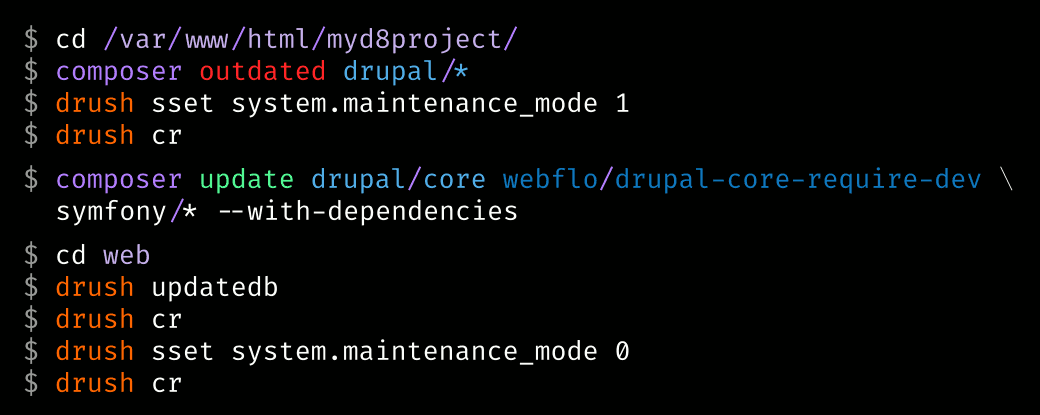
Update Drupal 8 Core with Composer CLI

Drush is still alive and kicking in Drupal 8 but the areas of installing Drupal core and contributed modules has been taken over by Composer, the PHP dependency manager. It takes a bit more effort to set up your environment and learn the new Composer ways of Drupal 8, but if Drupal is an important part of your work this is the way to go.

This article lists the common commands used when installing and updating Drupal 8 core through CLI.

Published in Drupal on .

Articles grouped by Custom text in Drupal Views

Grouping in Views is useful when there are many items in the results that share the same value of a field. But often times there is more than one field in common and it's useful to group by all those fields and excluding them from the results so they aren't repeated needlessly.

Custom text field method is the best method to control the output when grouping by multiple fields in Drupal Views.

Published in Drupal on .