
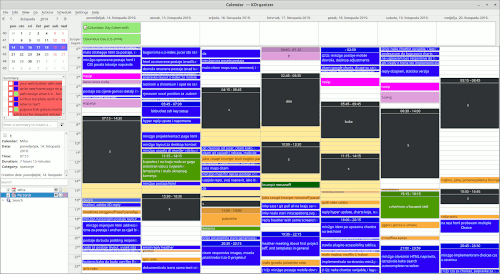
After failing to start Akonadi with MySQL on my new Ubuntu installation, I found a tip to try Postgres.
After setting up the Postgres server, user and database, adjusting the Akonadi configuration to switch to Postgres things still wouldn't work.
Through trial and error I found that I was missing some packages:
sudo apt-get install akonadi-server akonadi-backend-postgresql
Changing the configuration file was inspired by the article Setting up Akonadi where most of the options for Postgres were empty:
-
[%General]
-
Driver=QPSQL -
-
[QPSQL]
-
Name=akonadi-enrico -
StartServer=false
-
Host= -
Options= -
ServerPath= -
InitDbPath=
The winning combination seems to have been empty Host, ServerPath, InitDbPath, and the correct Name (I had to add my username after akonadi).
After starting Akonadi service:
$ akonadictl start
The configuration now reads:
-
[%General]
-
Driver=QPSQL -
-
[QPSQL]
-
Host= -
InitDbPath=/usr/lib/postgresql/11/bin/initdb
-
Name=akonadi-myusername -
Options= -
ServerPath=/usr/lib/postgresql/11/bin/pg_ctl
-
StartServer=false
After that Akonadi started and the service reported running (akonadictl status).
Starting KOrganizer after that worked without any Errors saying Akonadi wasn't running. I was able to import my old data, tweak the configuration (I had to recreate the Categories), and creating new events and tasks works without issues.